Learn R Programming

flextable (version 0.10.4)

as_image: Image chunk

Description

The function lets add images within flextable objects with functions:

  • compose() and as_paragraph(),

  • append_chunks(),

  • prepend_chunks()

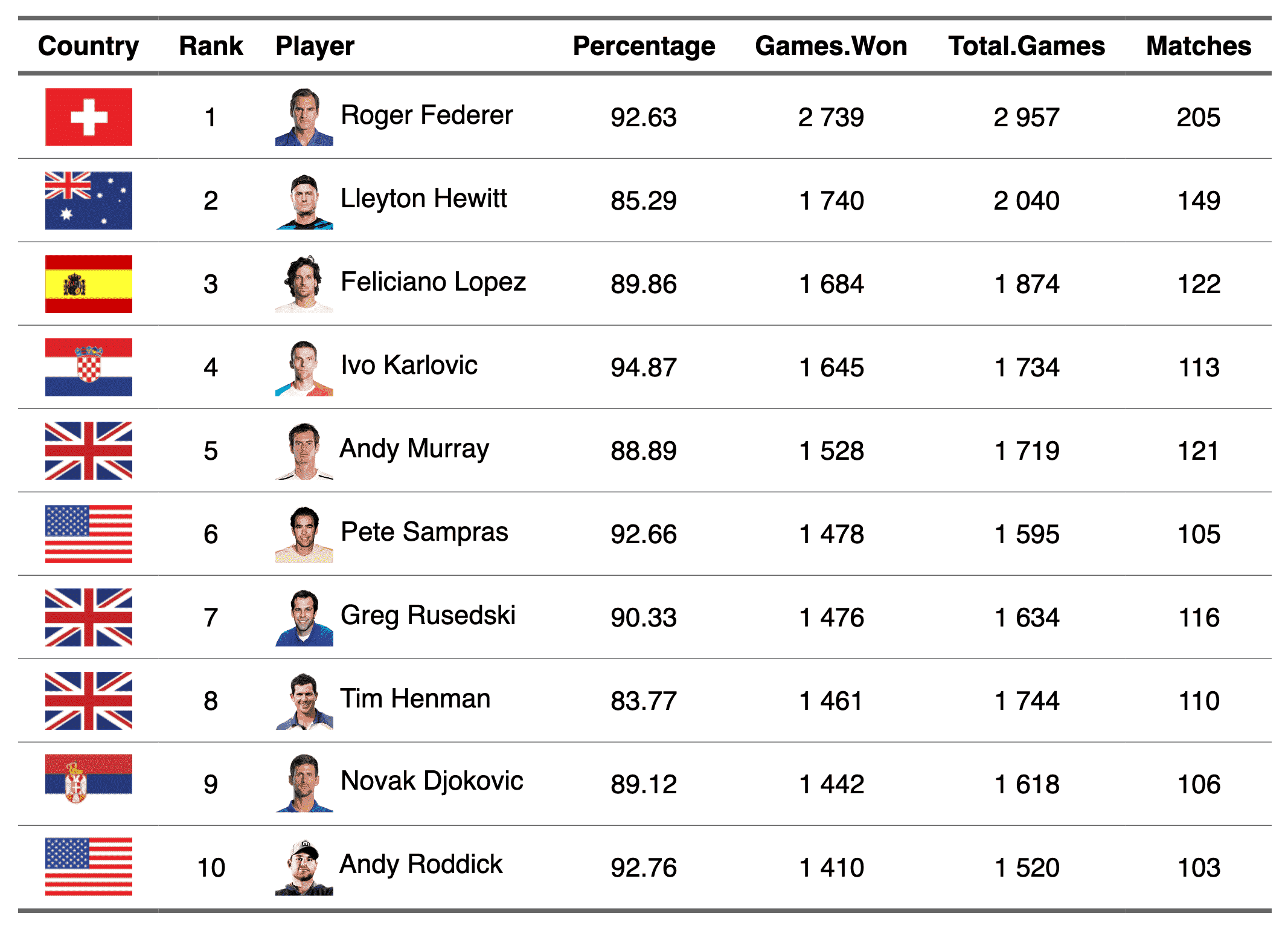
    as_image illustration

Usage

as_image(
  src,
  width = NULL,
  height = NULL,
  unit = "in",
  guess_size = TRUE,
  alt = "",
  ...
)

Arguments

src

image filename

width, height

size of the image file. It can be ignored if parameter guess_size=TRUE, see parameter guess_size.

unit

unit for width and height, one of "in", "cm", "mm".

guess_size

If TRUE and width or height is not provided, the size of the image is read from the file, one pixel being 1/72 inch. The size of 'png', 'jpeg' and 'gif' files is read from their header, which is fast; other formats, such as 'svg', require package 'magick'.

alt

alternative text for the image (used for accessibility)

...

unused argument

See Also

compose(), as_paragraph()

Other chunk elements for paragraph: as_b(), as_bracket(), as_chunk(), as_equation(), as_highlight(), as_i(), as_qmd(), as_strike(), as_sub(), as_sup(), as_word_field(), colorize(), gg_chunk(), grid_chunk(), hyperlink_text(), linerange(), minibar(), plot_chunk()

Examples

Run this code
img.file <- file.path(
  R.home("doc"),
  "html", "logo.jpg"
)
myft <- flextable(head(iris))
myft <- compose(myft,
  i = 1:3, j = 1,
  value = as_paragraph(
    as_image(src = img.file),
    " ",
    as_chunk(Sepal.Length,
      props = fp_text_default(color = "red")
    )
  ),
  part = "body"
)
ft <- autofit(myft)
ft

Run the code above in your browser using DataLab