opt_row_striping: Option to add or remove row striping
Description
By default, a gt table does not have row striping enabled. However, this
function allows us to easily enable or disable striped rows in the table
body. This function serves as a convenient shortcut for
<gt_tbl> %>% tab_options(row.striping.include_table_body = TRUE|FALSE).
Usage
opt_row_striping(data, row_striping = TRUE)Value
An object of class gt_tbl.
Arguments
- data
A table object that is created using the
gt()function.- row_striping
A logical value to indicate whether row striping should be added or removed.
Examples
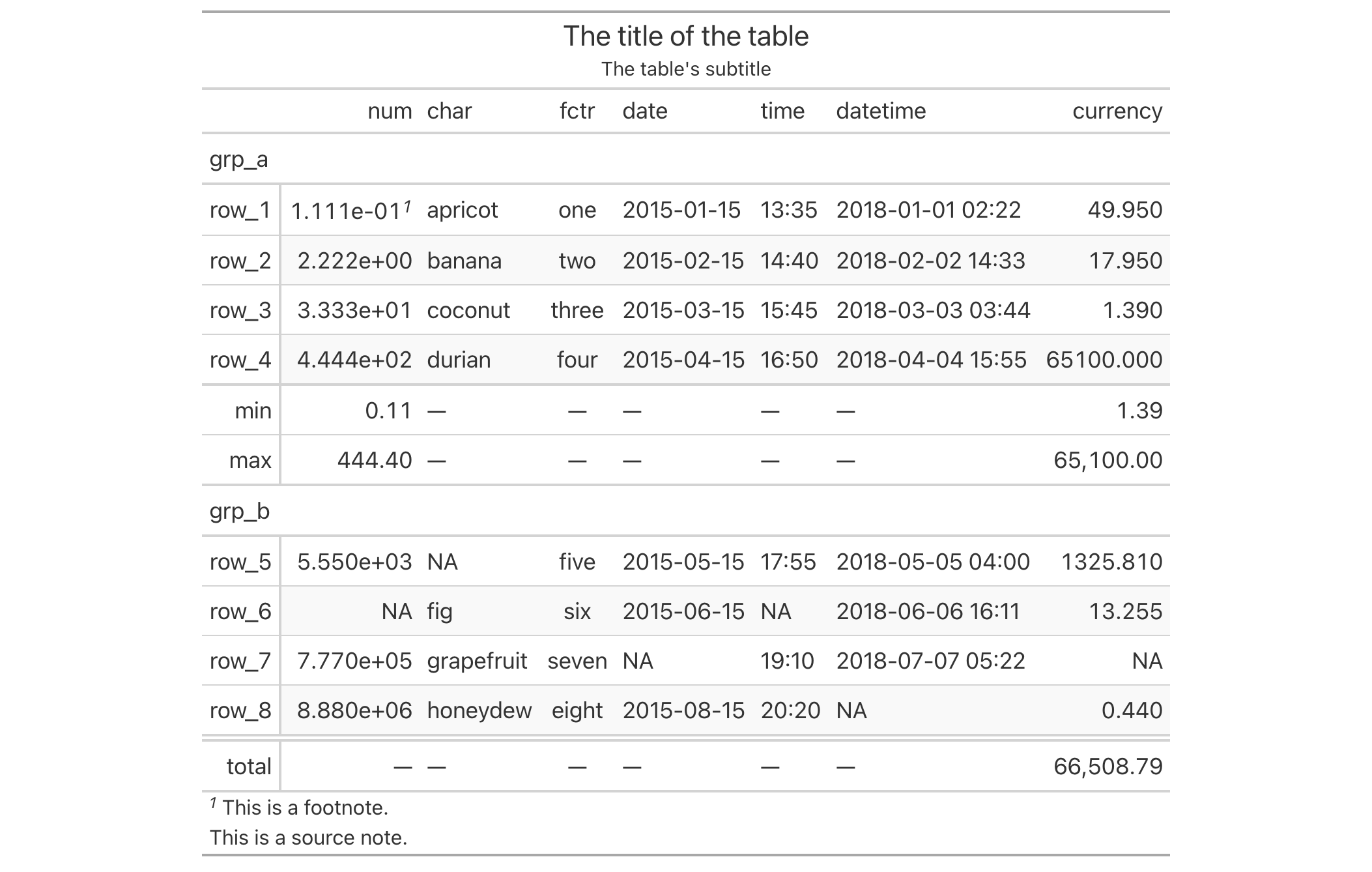
Use exibble to create a gt table with a number of table parts added.
Next, we add row striping to every second row with the opt_row_striping()
function.
exibble %>%
  gt(rowname_col = "row", groupname_col = "group") %>%
  summary_rows(
    groups = "grp_a",
    columns = c(num, currency),
    fns = list(
      min = ~min(., na.rm = TRUE),
      max = ~max(., na.rm = TRUE)
    )) %>%
  grand_summary_rows(
    columns = currency,
    fns = list(
      total = ~sum(., na.rm = TRUE)
    )) %>%
  tab_source_note(source_note = "This is a source note.") %>%
  tab_footnote(
    footnote = "This is a footnote.",
    locations = cells_body(columns = 1, rows = 1)
  ) %>%
  tab_header(
    title = "The title of the table",
    subtitle = "The table's subtitle"
  ) %>%
  opt_row_striping()
Function ID
9-2
See Also
Other table option functions:
opt_align_table_header(),
opt_all_caps(),
opt_css(),
opt_footnote_marks(),
opt_horizontal_padding(),
opt_stylize(),
opt_table_font(),
opt_table_lines(),
opt_table_outline(),
opt_vertical_padding()